About This Article
This article will guide you through adding or replacing an Event Type on an event. For deleting event types from your Crescat group, you can check out this article.
Selecting a New Event Type
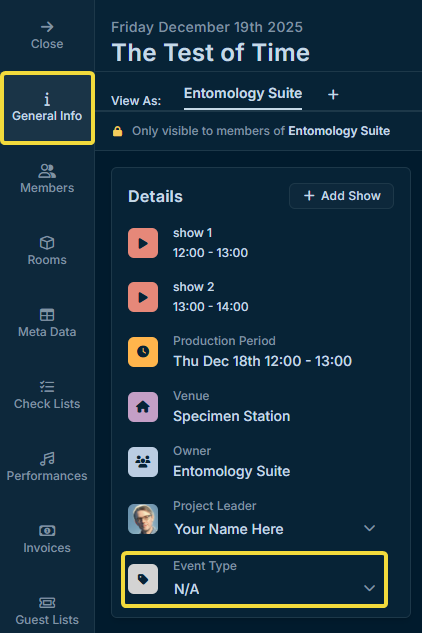
Click on an event in your group dashboard to open the event's slide-out.
In the General Info tab, click and select a new Event Type. To simply remove Event Types from the event, select N/A.
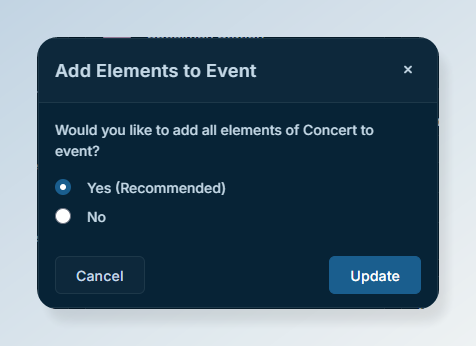
Once you've selected an event type, you can choose what to add to the event in the popup that appears. Items from any previous event types on the event will not be removed.