
About This Article
This playbook outlines how successful event organizations build internal champions and make the platform indispensable before show day.
The Approach
Quality adoption happens when the platform becomes part of show-critical operations, rather than an optional admin tool.
Event Teams don't adopt elegant tools
Good tools get adopted because failure is expensive and visible. Your team succeeds when:
- Fewer things are forgotten
- Fewer people are guessing
- Fewer decisions rely on memory
- More energy goes into running the show—not coordinating it.
Building champions around operational credibility, not feature expertise, stops Crescat from being “yet another system.” Thus, we recommend the following 6-step system.
The Steps:
-
Define the operational pain—and recruit your show runners
-
Capture how shows actually run today
-
Start with one show-critical workflow
-
Roll out before the pressure hits
-
Lock in operational conventions early
-
Prove it made the show smoother—then expand

1. Define the operational pain—and recruit your show runners
Gains and wins are the most persuasive tools.
Before rolling anything out, be brutally specific:
- Where do things currently fall apart?
- What information is always late, wrong, or missing?
- Who is chasing people instead of running the show?
- What only exists in someone’s head right now?
- What do people still send emails, make calls, and knock on office doors about?
Identify the ways Crescat improves operations in multiple highly practical scenarios. Being prepared with these examples lets you give higher-quality answers to a range of people.
Tip
For an event, think about things like: load-in, show flow, staffing, or artist relations, scheduling, and other highly practical wins.
Anything else may add unnecessary noise to the discussion.
Build your Champion Crew
Here, you'll be looking for people who will actually use the system. People who:
- Run advancing
- Build or update running orders
- Coordinate volunteers or crew
- Make real-time decisions onsite
- Etc.
Tip
3–7 champions is enough. They should span advancing, workforce, and on-site ops.
Action steps:
- Document 3 recurring production failures Crescat will fix
- Define what “a smoother show” means in observable terms
- If possible, appoint champions who have authority, not just enthusiasm
- Decide together how changes and updates will be communicated to the wider crew
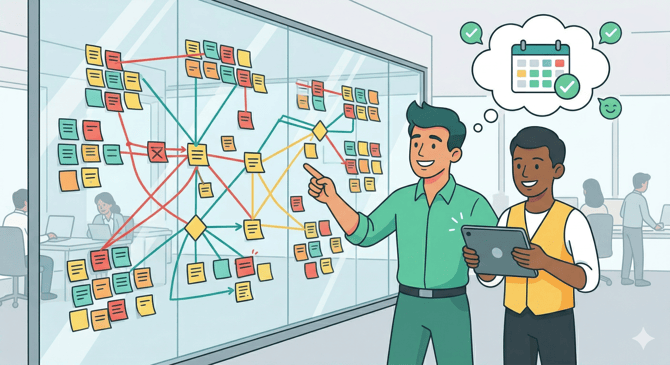
2. Capture how shows actually run today
Follow the real workflows, not just SOPs.
Event teams may have a “paper version” of how things work—and a totally different reality.
Map:
- How artist advancing info is gathered, updated, and shared
- How volunteers or crew are recruited and confirmed
- How shifts are assigned and communicated
- How last-minute changes are handled on site
- Where information gets duplicated or lost
Your goal is not to digitize everything—
It’s to centralize what must be correct under pressure.
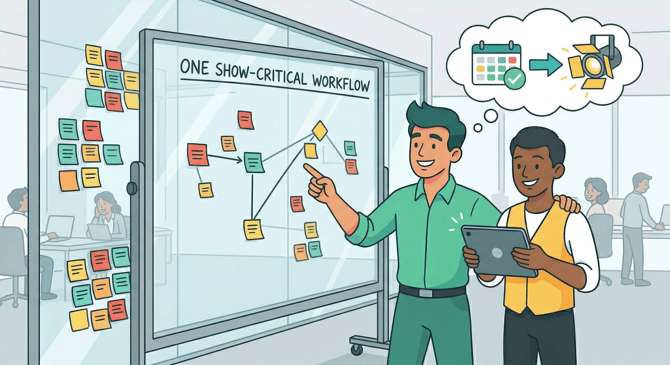
3. Start with one show-critical workflow
If it doesn’t matter on show day, don’t start there.
If possible, pick a single workflow that:
- Touches multiple people
- Has high consequences when it breaks
- Repeats across events
- Currently lives in spreadsheets, emails, or messages
Strong first candidates in event ops:
- Artist advancing
- Volunteer intake → role assignment → shifts
- Crew scheduling
- Running orders and daily schedules
- Accreditation or workforce credentials
This workflow becomes the reference point for how your organization uses the platform.
If this doesn’t clearly reduce manual coordination, adoption may stall immediately.
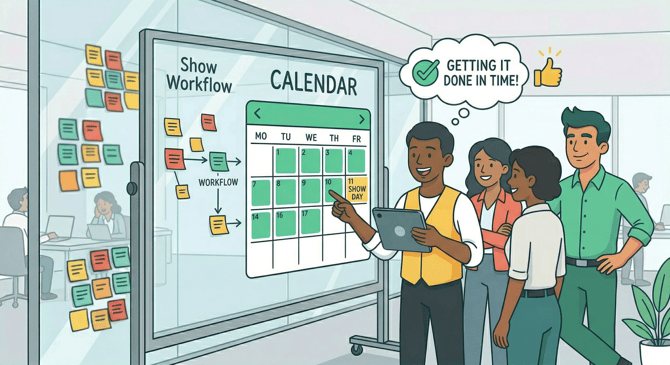
4. Roll out before the pressure hits
Don’t introduce a system during the crunch.
Set a clear activation moment:
- Before advancing ramps up
- Before volunteer recruitment opens
- Before production schedules lock
Frame it Positively
Treat this like a production milestone, not an IT task.
What works in event teams:
- Live walkthroughs using your actual upcoming event
- Short role-specific training/introductions
- Clear “this now lives here” statements
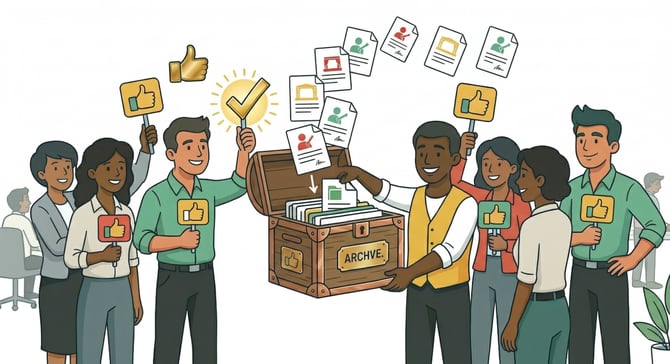
- Public acknowledgement when people stop using "side spreadsheets"—including yourselves
5. Lock in operational conventions early
If you don’t standardize now, you’ll firefight forever. Help Crescat become the single source of operational truth.
Establish clear norms around:
- Where artist info is stored and updated
- How volunteer and crew availability is collected
- How assignments work and how shifts are confirmed
- How changes are communicated (and where they are not)
- What information must be accurate before show day
Make it explicit:
- This is where our advances live
- This is what is checked before load-in
- This is what people trust onsite
If something is “optional,” it will be ignored when it matters most.

Start this when you can point to fewer problems.
After the event, review:
- Where information was clearer than before
- Where coordination required fewer messages
- Where fewer people were chased
- Where on-site confusion was reduced
Ask your team:
- What would you never want to go back to doing manually?
- What saved the most time or stress?
- What still broke—and why?
Document the wins. Share them. Then extend your focus the next workflow or event type.
Final Thoughts
In Scientific Research
Software is adopted based on wins in the following areas:
- Time—is this quicker (or at least quick)?
- Effort—is this easier?
- Perceived Benefit—does this actually help?
Demonstrating these in your recent wins will add impact.
Reverting to Old Habits
Good event production software doesn’t fail because it’s missing features. It fails because teams revert to spreadsheets, email threads, and “just tell them on site” the moment things get stressful.
So make use of:
-
Clear plans or mentality shifts about what to do when the pressure hits.
- Clear communication about where things are found and why it's there (to keep everyone in the loop and avoid chaos).
- Clearly demonstrated wins, preferably early and before show date.
The system is only helpful when all the planning happens within it, including last minute planning.
Breathe.
You've got this.